HANDS-ON NETWORKING WORKSHOP: MASTER IP AND NETWORK SERVICES
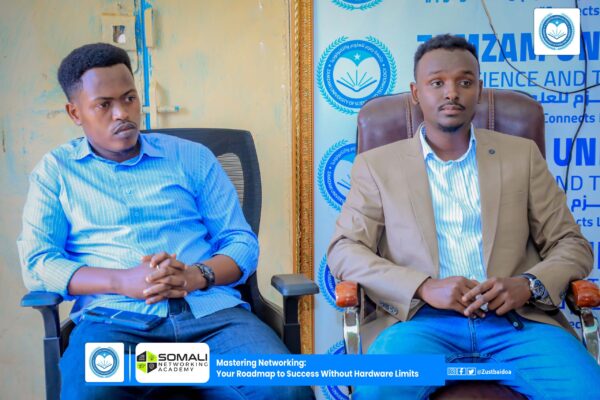
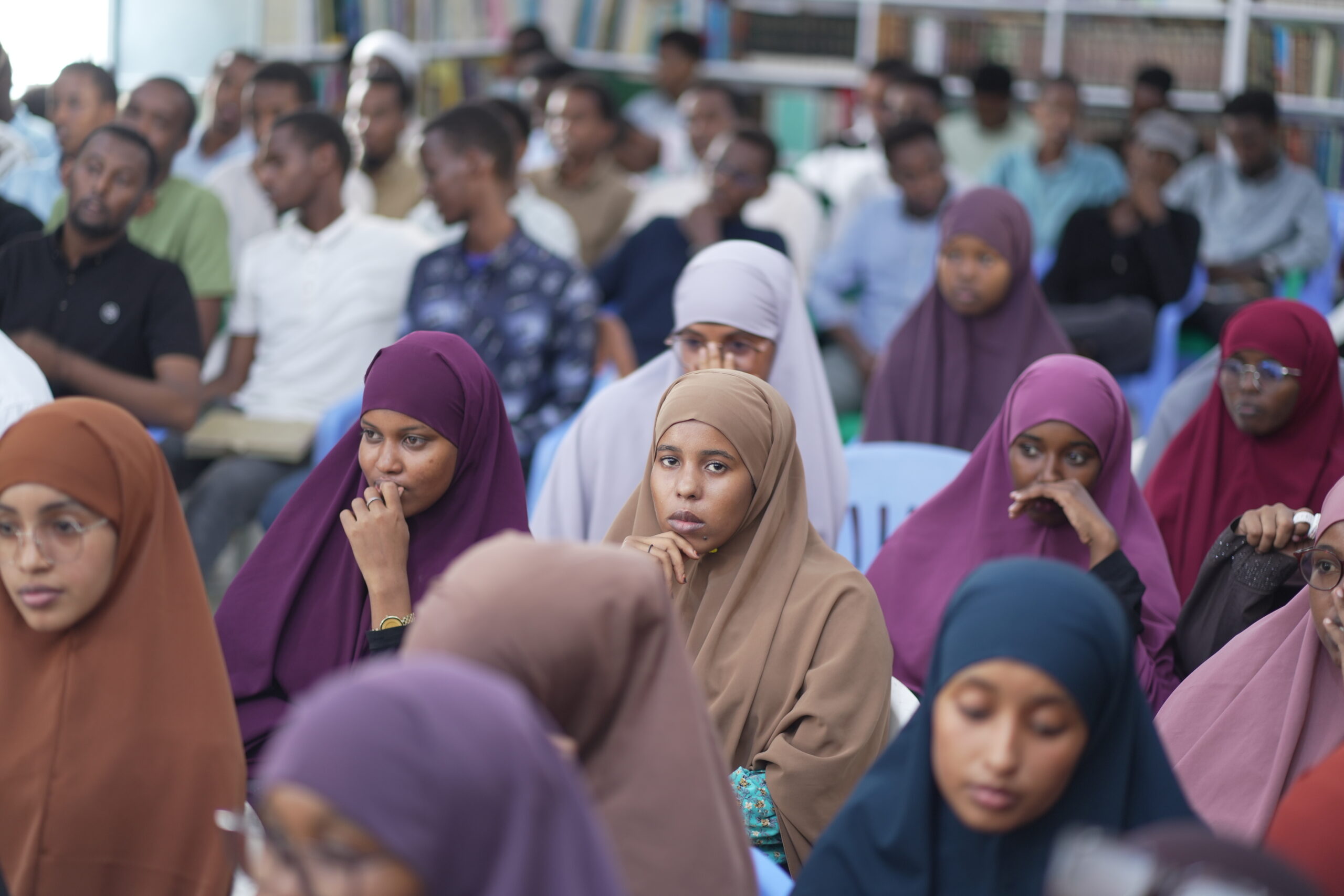
Somali Networking Academy, SONAK, successfully conducted a hands-on networking workshop at Kismayo University under the theme “Master IP and Network Services.”
The workshop combined clear technical explanations with practical exercises to help students understand how computer networks operate. Participants learned how devices communicate, how IP addresses identify devices, and how users share resources across Windows and Linux systems.
The session formed part of SONAK’s commitment to expanding practical networking education and preparing Somali students for careers in information technology.
WHY COMPUTER NETWORKING MATTERS
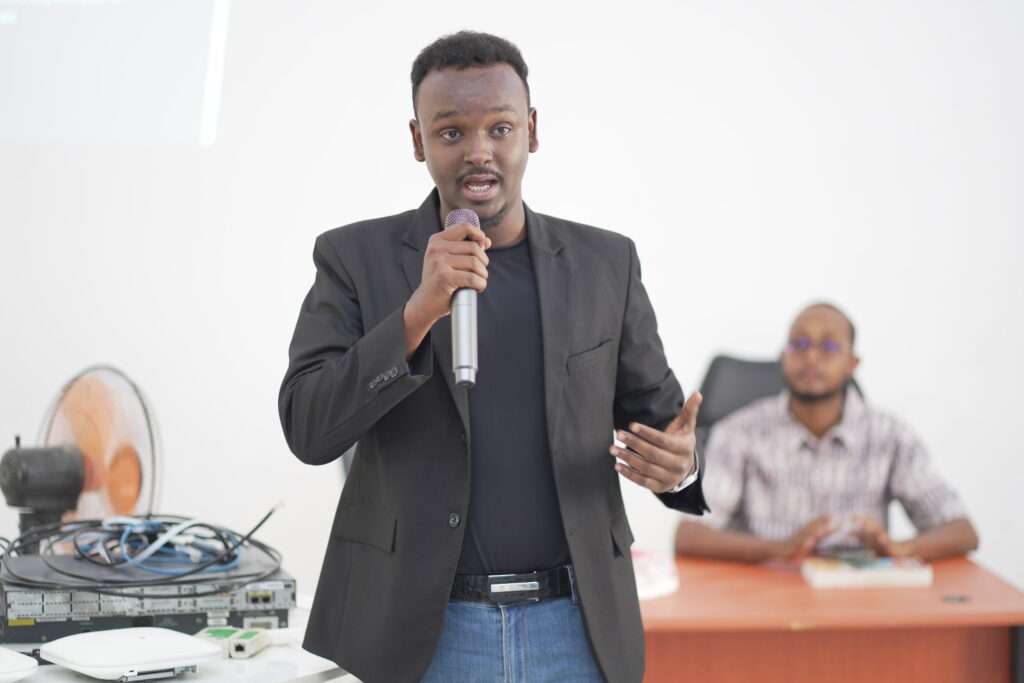
Computer networking connects computers, servers, mobile devices, printers, and other digital systems. These connections allow users to communicate, access information, and share resources.
Networking knowledge also provides a foundation for careers in technical support, system administration, network engineering, cybersecurity, and cloud computing.
During the workshop, students learned that understanding the basic operation of a network makes advanced technologies easier to study and troubleshoot.
UNDERSTANDING IP ADDRESSES
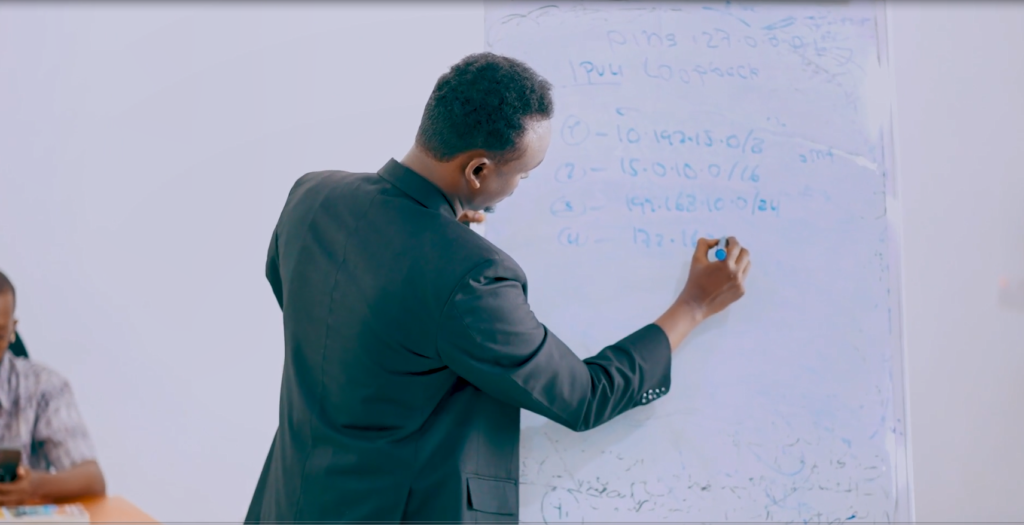
One of the main topics covered during the workshop was IP addressing.
Every device connected to a network requires a unique IP address. The address allows devices to identify one another and ensures data reaches the correct destination.
Students learned that communication would fail without proper IP configuration because network devices would not know where to send or receive information.
The workshop used familiar examples to connect IP addressing concepts with networks found in homes, universities, businesses, and public institutions.
BREAKING DOWN IPV4 ADDRESSING
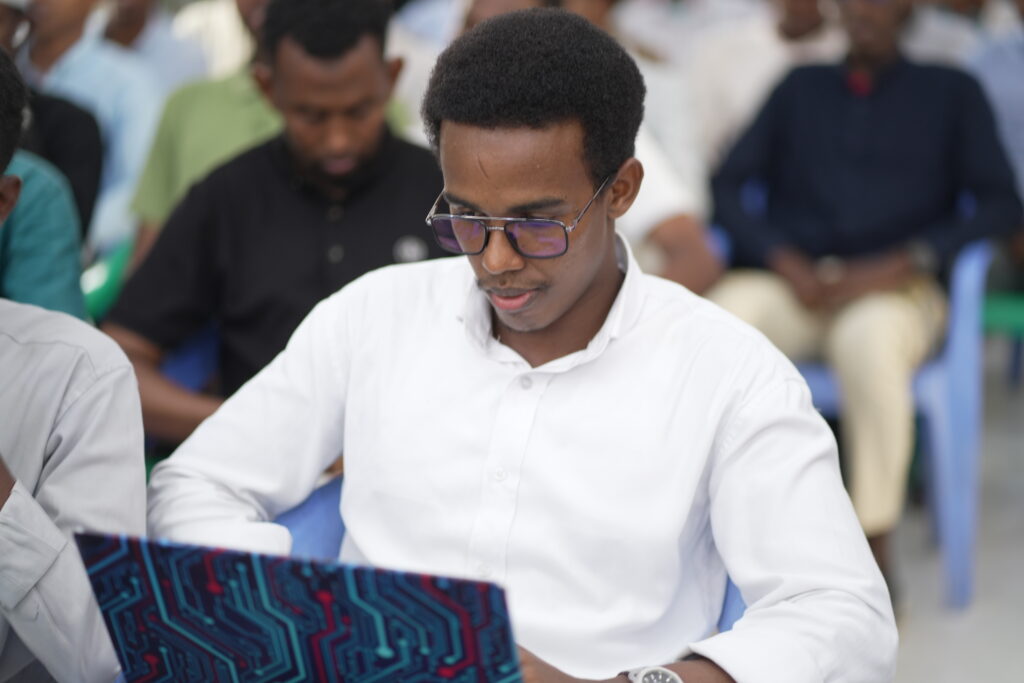
Participants received an introduction to IPv4, the addressing system commonly used across computer networks.
An IPv4 address contains 32 bits divided into four sections called octets. Each octet contains eight bits and holds a decimal value between 0 and 255.
A typical IPv4 address looks like this:
192.168.1.100
Students learned that an IPv4 address contains a network portion and a host portion. The network portion identifies the network where the device belongs, while the host portion identifies the individual device within that network.
They also studied the role of the subnet mask, including common examples such as 255.255.255.0. The subnet mask helps devices determine which part of an address represents the network and which part represents the host.
FROM THEORY TO PRACTICAL CONFIGURATION
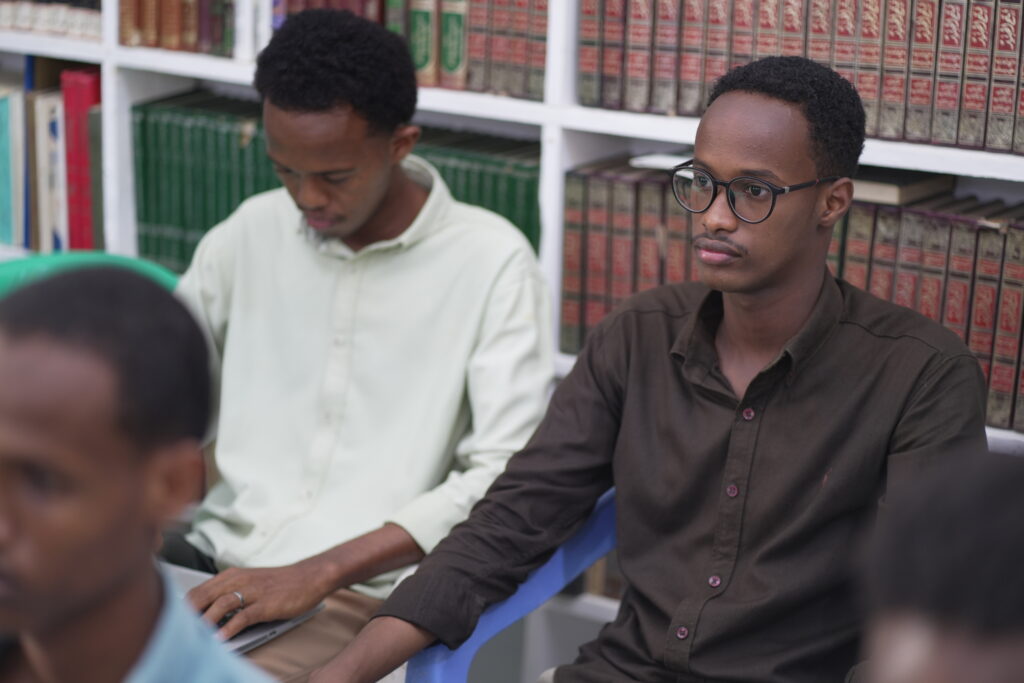
The workshop moved beyond presentation slides and gave students an opportunity to apply the concepts through practical exercises.
During the basic network setup lab, participants configured a simple network topology and assigned IPv4 addresses to connected devices.
Students checked their address settings, compared network and host portions, and confirmed whether the devices belonged to the same network.
This activity helped participants see how small configuration errors, such as an incorrect IP address or subnet mask, could prevent devices from communicating.
FILE SHARING ACROSS A NETWORK
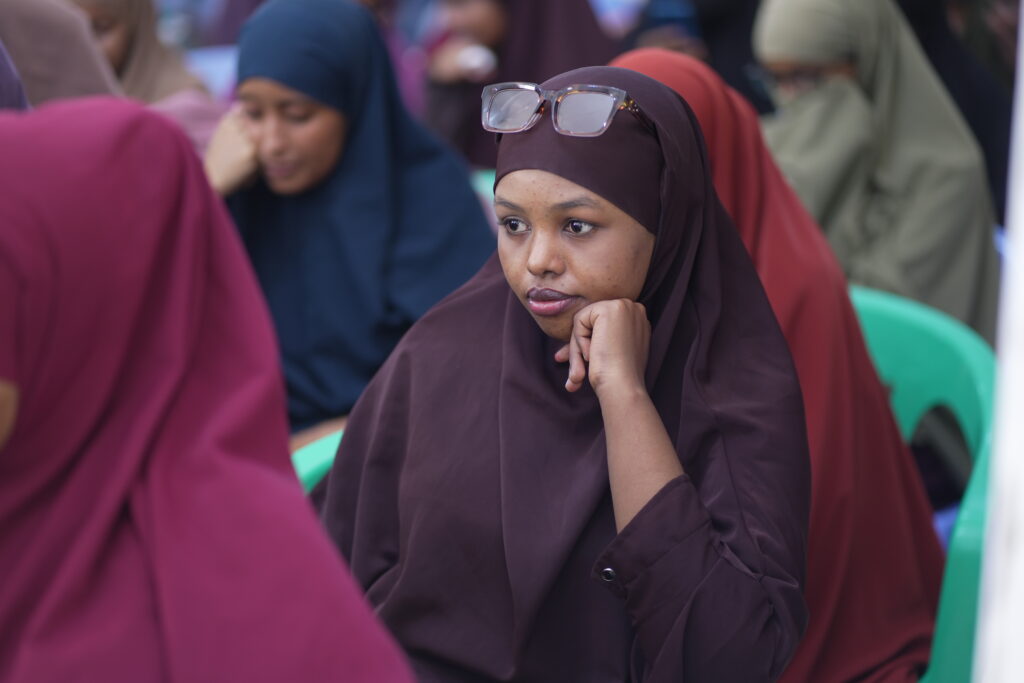
The workshop also introduced file sharing and its role within a network.
File sharing allows users to access information from different computers without creating unnecessary copies on every device. It supports teamwork and provides a central location for managing important files.
Students explored how file sharing supports homes, educational institutions, offices, and businesses. They also discussed the value of centralized storage, controlled access, easier management, and improved collaboration.
The session emphasized that sharing a file does not mean giving every user unrestricted access. Administrators must apply suitable permissions to protect information and control who can view or modify it.
WINDOWS AND LINUX FILE-SHARING LAB
During the second practical lab, students explored file-sharing services on Windows and Linux systems.
Participants learned how to create a shared folder, make it available through the network, and assign appropriate access permissions.
The exercise showed how different operating systems communicate and exchange resources within the same network.
Students also learned that correct IP configuration must exist before users can access shared network resources successfully.
TESTING AND TROUBLESHOOTING
The final practical activity focused on network testing and troubleshooting.
Students used diagnostic tools to confirm whether devices could communicate. They also tested access to shared files and identified common problems affecting connectivity.
The troubleshooting process encouraged students to work step by step. They first checked the connection, reviewed the IP configuration, tested communication, verified sharing permissions, and then corrected any errors they identified.
This structured method helped students understand that effective troubleshooting depends on observation, testing, and logical problem-solving.
LEARNING THROUGH VIRTUAL NETWORK LABS
The workshop introduced participants to virtual networking tools such as Cisco Packet Tracer, EVE-NG and GNS3.
These platforms allow students to design network topologies, configure devices, test communication, and practise troubleshooting through their computers.
Virtual labs give students space to experiment, repeat configurations, and learn from mistakes without affecting a live network.
SONAK encouraged participants to continue using virtual labs after the workshop to strengthen their practical skills and prepare for more advanced networking topics.
WHY THIS WORKSHOP MATTERS
Many students study networking concepts in class but have limited opportunities to apply them through practical exercises.
This workshop helped close the gap between theory and practice. Students configured IP addresses, tested network communication, shared resources, managed permissions, and solved common networking problems.
The session also showed participants that strong networking skills develop through consistent practice and a clear understanding of the fundamentals.
BUILDING THE NEXT GENERATION OF IT PROFESSIONALS
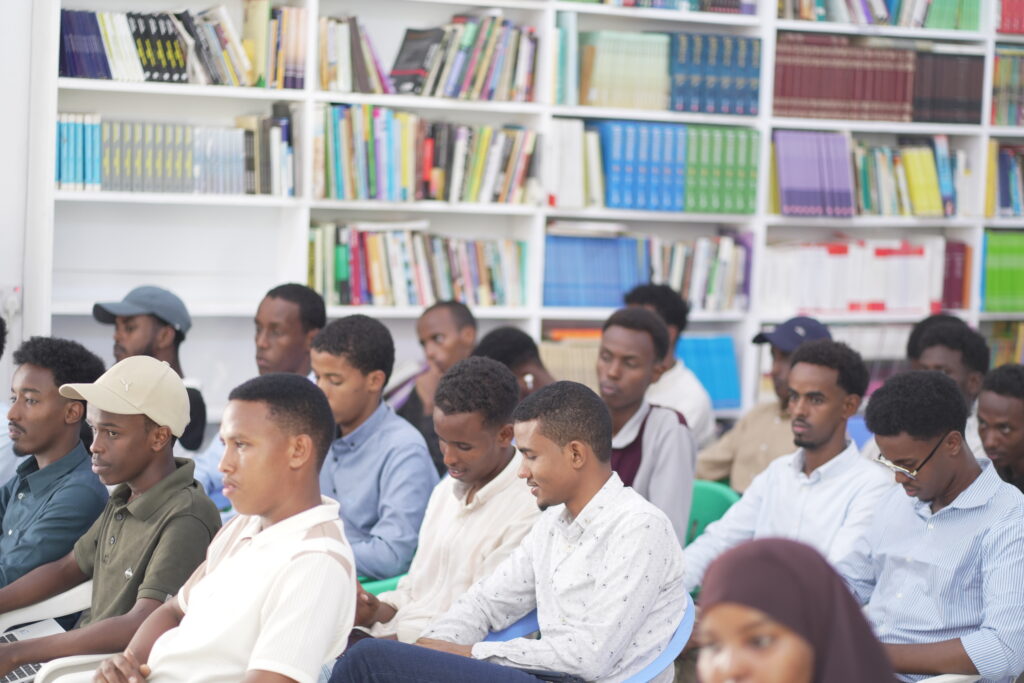
Networking knowledge supports several career paths, including network support, system administration, network engineering, cybersecurity, cloud computing, and IT infrastructure management.
SONAK encouraged students to master the foundations before moving toward advanced subjects such as IPv6, routing, switching, network security, and enterprise network services.
The workshop gave participants a starting point and a practical learning path they could continue after the event.
APPRECIATION AND COMMUNITY IMPACT
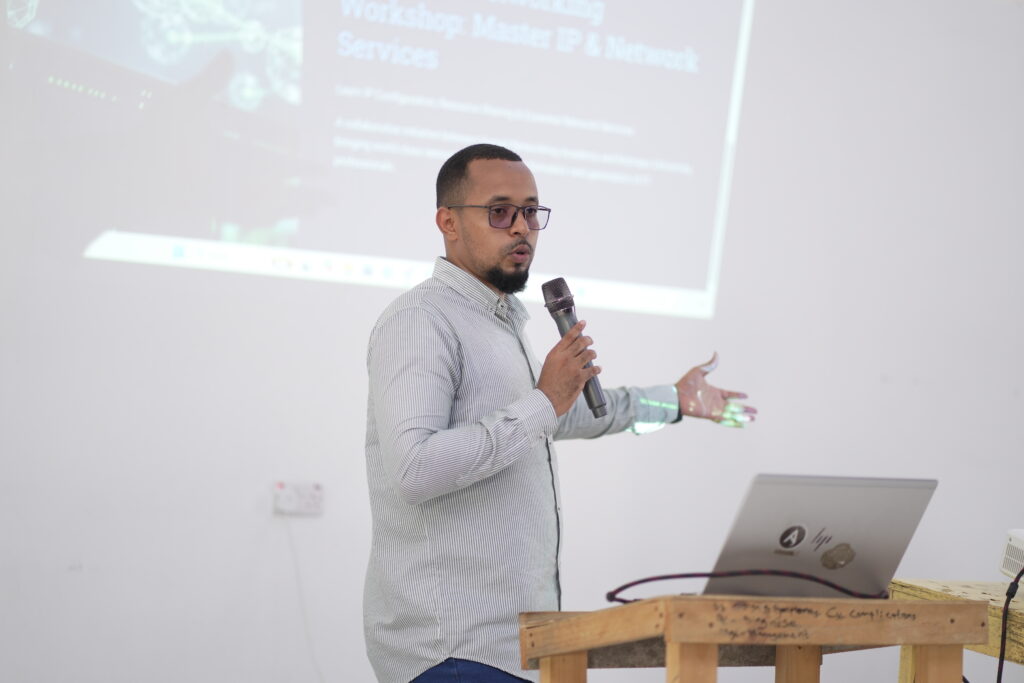
Somali Networking Academy extends its appreciation to Kismayo University for supporting this practical learning opportunity.
SONAK also recognizes the students who participated actively, completed the lab exercises, asked technical questions, and showed a strong interest in building their networking skills.
This collaboration reflects a shared commitment to supporting technology education and preparing Somali students for opportunities in the modern ICT sector.
WHAT COMES NEXT
SONAK will continue supporting students through practical workshops, technical mentorship, networking courses, and hands-on laboratory activities.
Participants are encouraged to continue practising IPv4 addressing, subnetting, Windows and Linux networking, file sharing, connectivity testing, and troubleshooting.
Their next learning steps should include IPv6, routing, switching, network security, and advanced network services.
Study with Somali Networking Academy.
Learn the concepts.
- Build the labs.
- Test your skills.
- Prepare for your networking career.